Remote Access to k3d/k3s Kubernetes cluster
Introduction
We learnt how to deploy kubernetes cluster anywhere with a single k3d command. By default, k3d cluster is accessible only from the host machine.
Remote Access
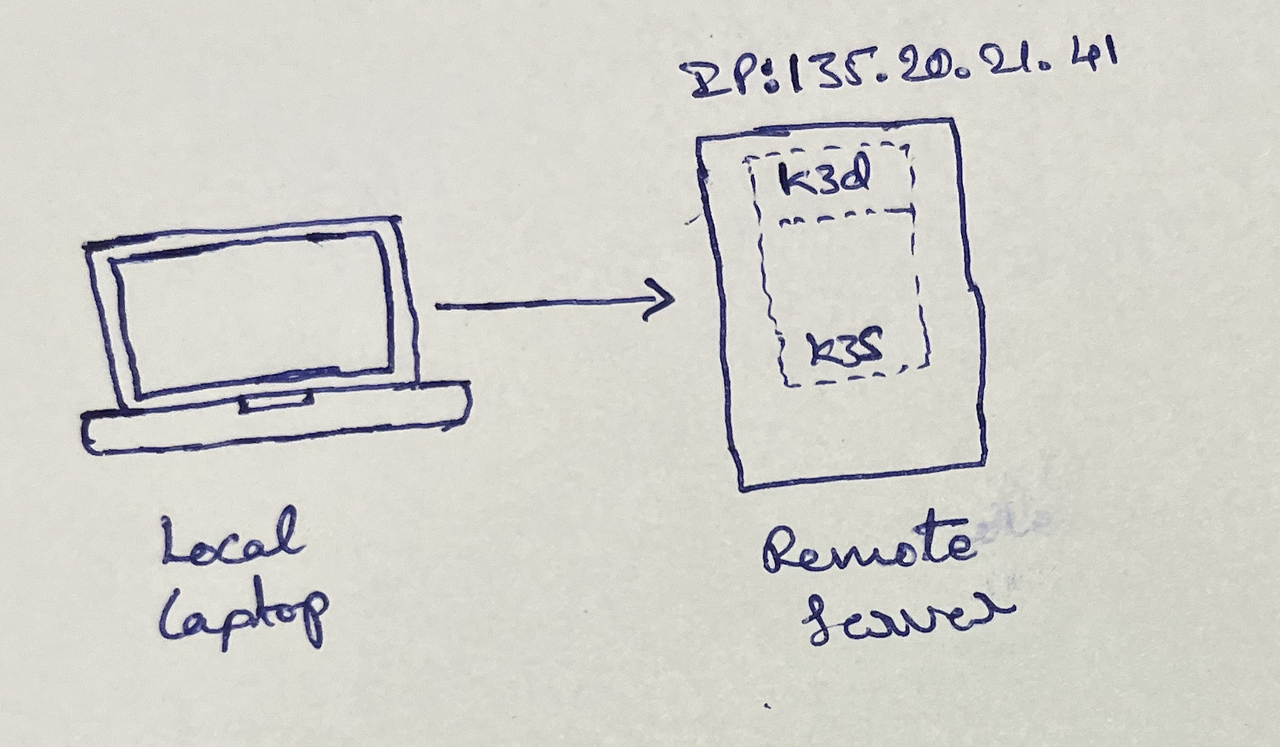
Create new cluster with
$ k3d cluster create cloud-k8s \
  --api-port 6443:6443@loadbalancer \
  --k3s-arg "--tls-san=<remote-ip>@server:*"
-
--api-port 6443:6443@loadbalancermaps port 6443 on the host machine to the cluster's API server load balancer. This can be changed (e.g., 8080:6443) if 6443 is taken on the host. -
--k3s-arg "--tls-san=..."adds the host's public IP to the certificate, preventing SSL errors later. -
Ensure remote server firewall allows incoming traffic on the chosen port (e.g., 6443 or 8080). To verify, run
telnet <remote-ip> 6443from local machine.
On the remote server, get kubeconfig:
$ k3d kubeconfig get cloud-k8s
---
apiVersion: v1
clusters:
- cluster:
    server: https://0.0.0.0:6443
  name: k3d-rk
   ... # truncated for brevity
Copy this kubeconfig, replace 0.0.0.0 with the remote server's public IP.
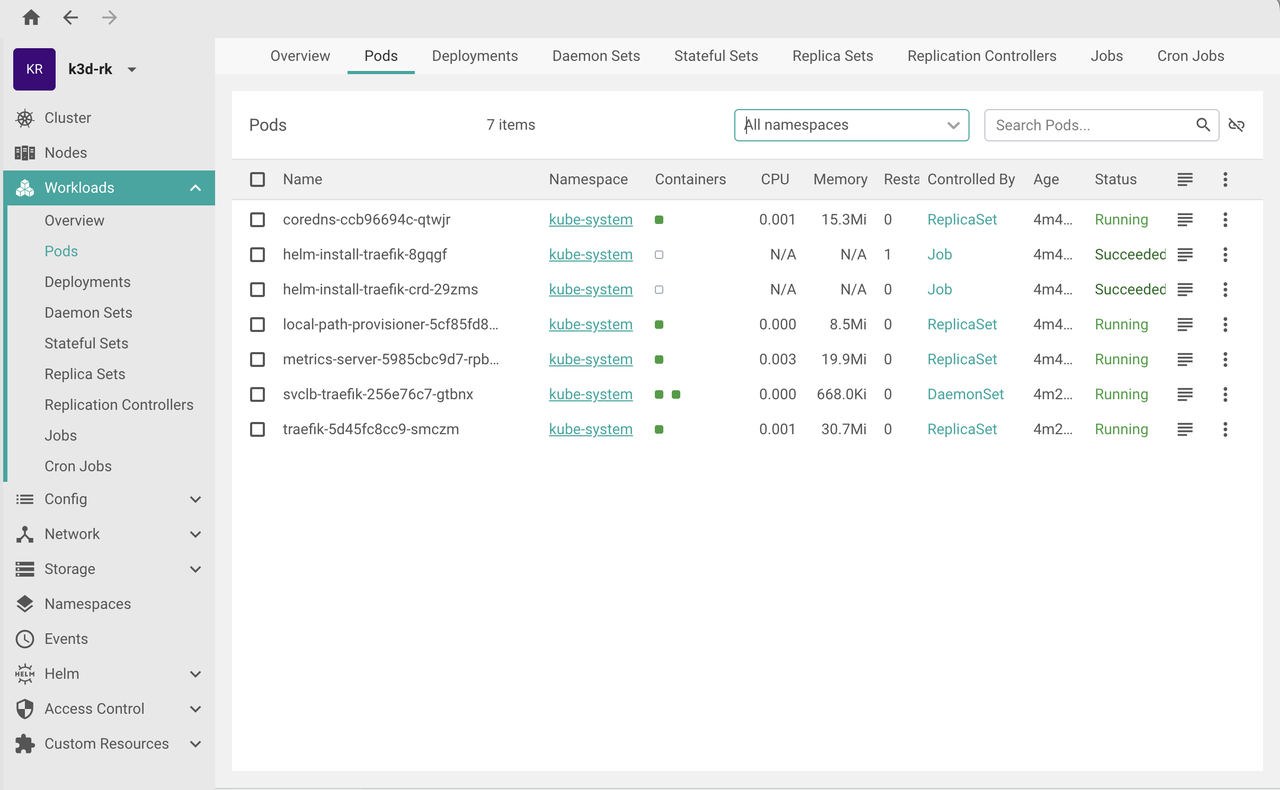
Open Free Lens, paste this config and connect to the remote k3d cluster.
Conclusion
You can use your favorite Kubernetes tools (kubectl, FreeLens, k9s, etc.) to manage the remote k8s cluster.
Need further help with this? Feel free to send a message.
Anand Reddy Pandikunta (ChillarAnand)
Improving Health & Wealth with Technology